Overdue Credits
General Information
The trigger is designed to detect accounts with overdue credits and notify the dealer accordingly. If the automation of the trigger is ON, the trigger detects an overdue credit and creates a credit out order (cancels the credit) from trader's balance alongside a notification.
Menu Navigation
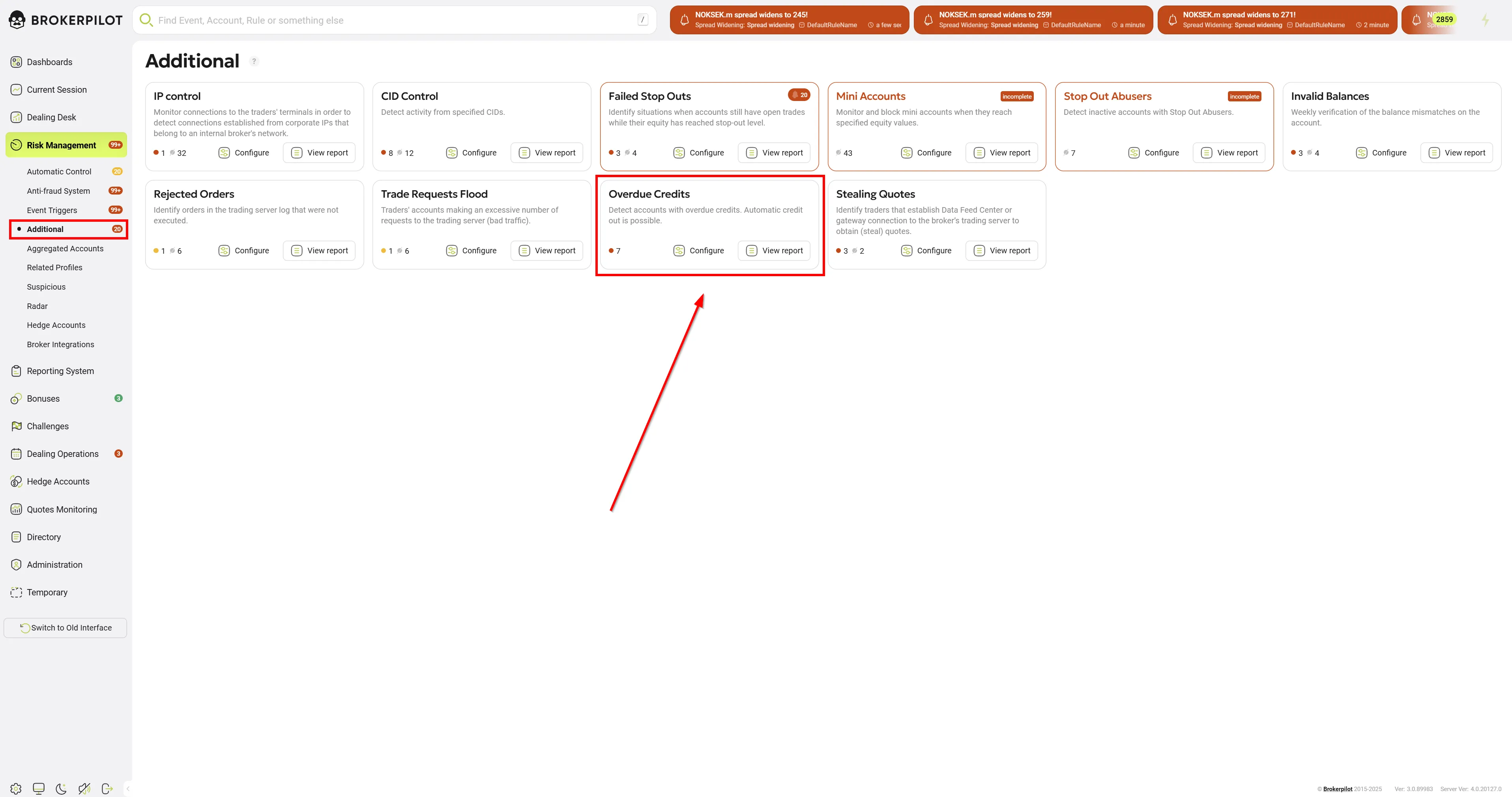
📌 You can find the Overdue Credits trigger under:
Risk Management → Additional
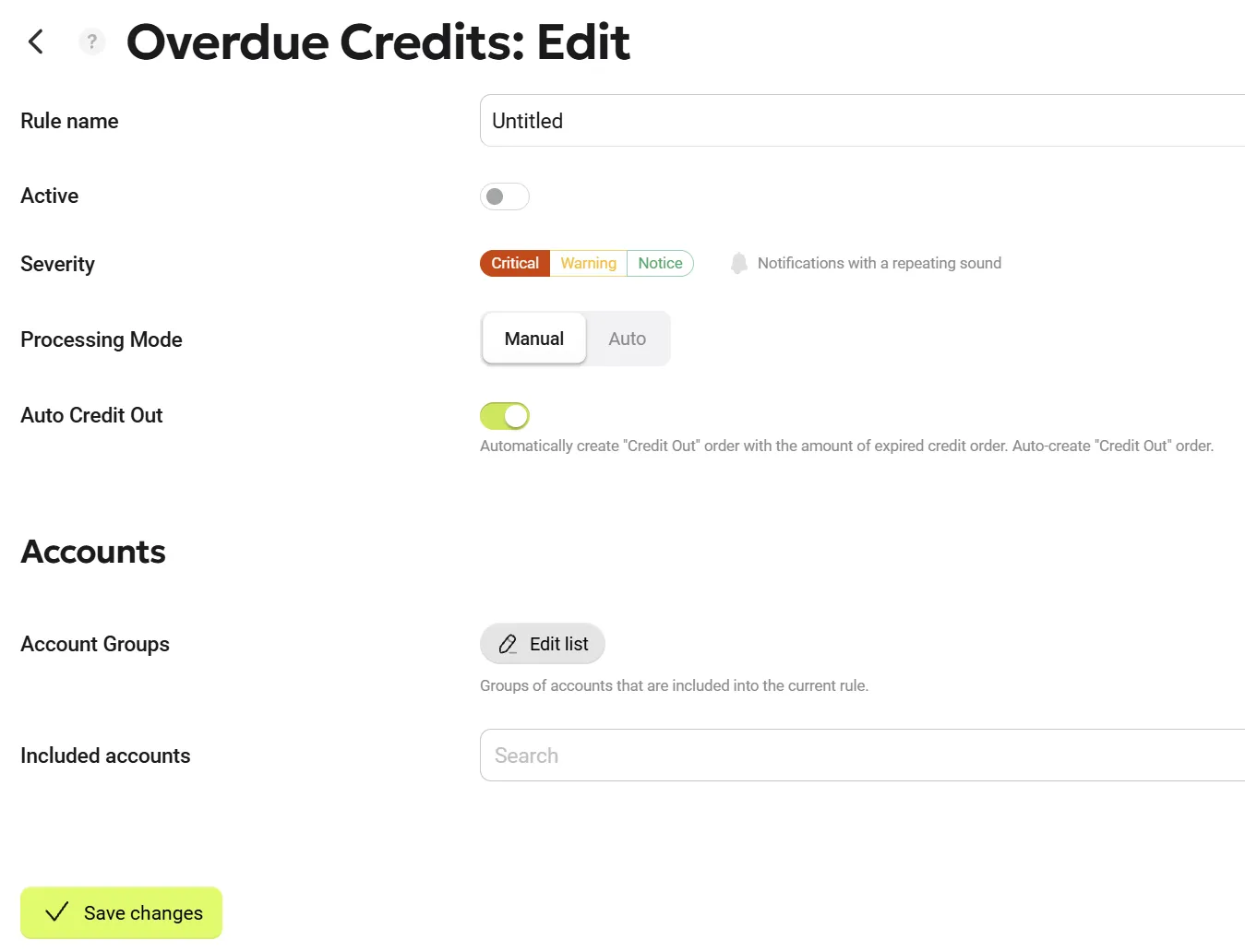
Edit Settings
| Parameter name | Description |
|---|---|
| Processing Mode | Users have the option to choose whether a triggered event requires manual confirmation (by clicking the "Accept" button, mode Manual) or is purely informational (mode Auto). This enhancement reduces routine actions and allows users to focus exclusively on critical events without the distraction of constantly clicking through informational notifications. You can still view automatically processed notifications on the Risk Management page by enabling the Only auto toggle, or in the top header by activating the Show automatic notifications toggle. |
| Auto Credit Out | The trigger automation. If enabled, the trigger automatically createsa credit out order. |
| Excluded Accounts | The list of accounts excluded from monitoring. |
| Excluded Accounts Groups | The list of accounts groups excluded from monitoring. |
Permissions
| MT4 | MT5 |
|---|---|
| No specific permissions are required. | No specific permissions are required. |
Trigger Logic
Once a minute, the trigger searches for overdue credits and notifies the dealer about them if found. If the dealer hides the notification and the credit situation does not change, the trigger shows its notification another time the day after. If automation is enabled, the trigger generates a notification and automatically creates a credit out order.