Invalid Balances
General Information
The Invalid Balances trigger performs a weekly check of account balances to detect discrepancies that may arise due to manual transaction changes.
For example, an issue may occur if a dealer removes orders without properly adjusting the account balance.
- If Automatic Balance Correction is enabled, the system will automatically fix detected mismatches.
- If Automatic Balance Correction is disabled, a notification is sent to the dealer for manual confirmation before correction.
Menu Navigation
To access this trigger, navigate to Risk Management > Additional in the main sidebar and locate the Invalid Balances card.
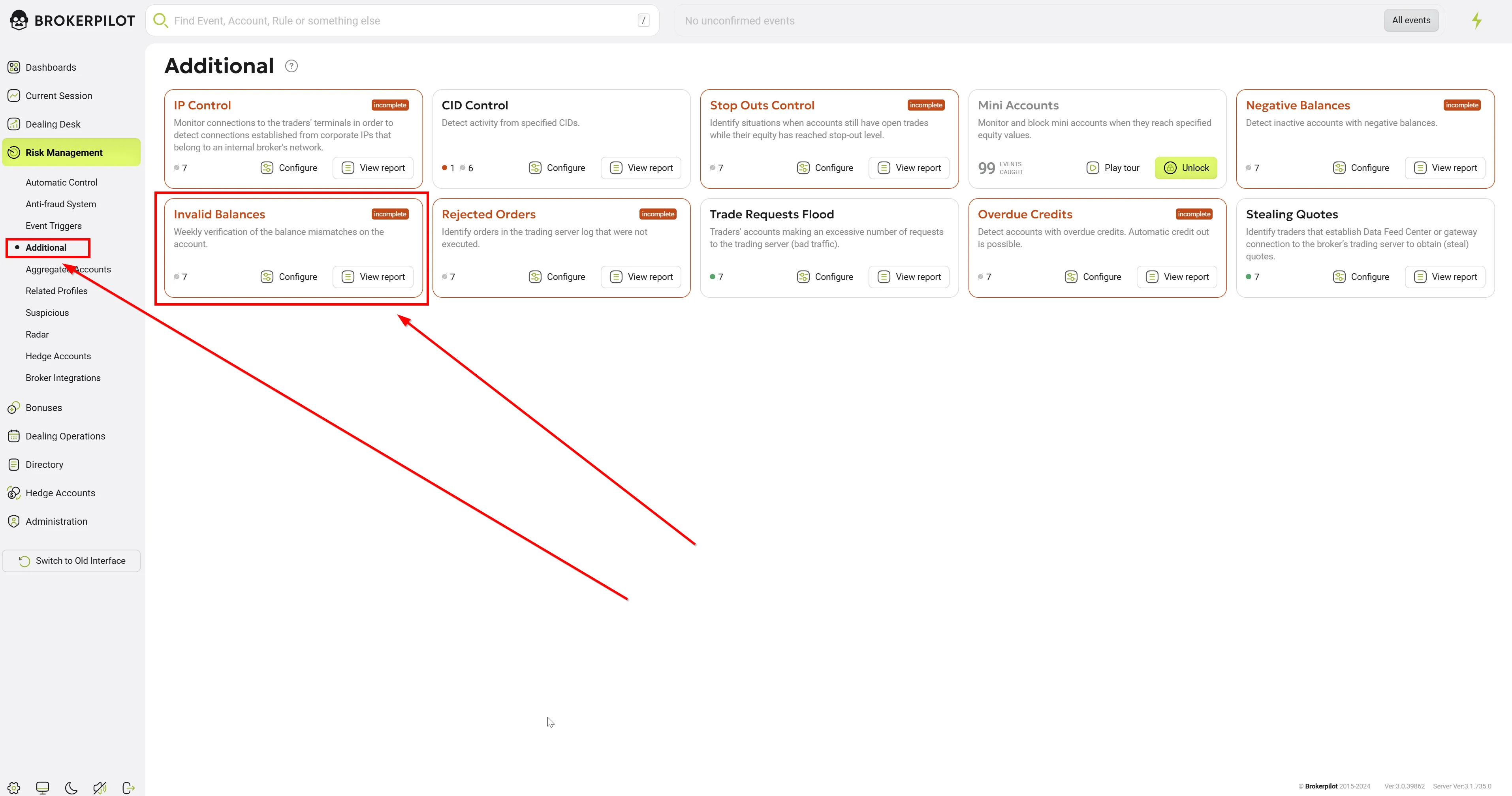
From the main card, you can view the number of active rules and quickly access the Configure or View report sections.
Configuring Rules
Clicking the Configure button on the Invalid Balances card opens the rule management dashboard.
-
Server/Platform Filters: At the top of the screen, you can filter your existing rules by trading platforms and servers (e.g., All, MT4, MT5, cTrader).
-
Rule Management: Each existing rule is displayed in a list showing its State (Active/Inactive) and Details (Name and assigned Server). You can Edit or Delete (trash bin icon) any existing rule directly from this list.
-
Top Toolbar Options:
- Export/Import rules: Download your current configurations or upload existing ones, which is useful for backing up setups or migrating them between environments.
- Add rule: Click this button to create a new monitoring configuration.
Adding or Editing a Rule
When you choose to add a new rule or edit an existing one, you will need to define the following parameters:
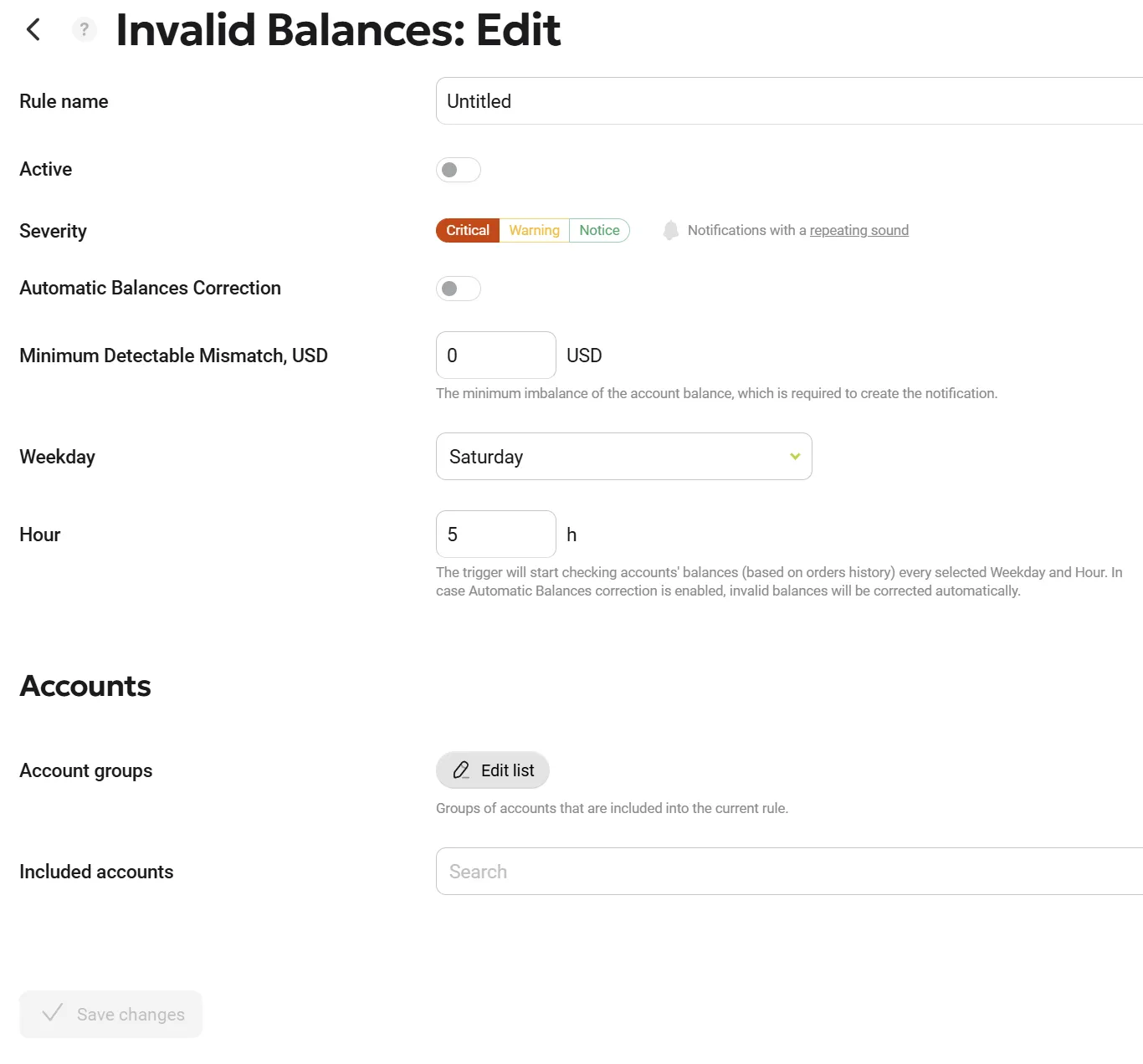
General Settings
| Parameter Name | Description |
|---|---|
| Rule name | Enter a clear, descriptive name for the trigger (e.g., "DefaultRuleName" or "VIP Accounts Check") |
| Active | Use this toggle switch to enable (turn on) or disable (turn off) the rule without needing to delete it. |
| Severity | Define the alert level generated when this trigger fires. You can choose between: Critical (Red), Warning (Yellow), Notice (Green) |
| Automatic Balance Correction | Enables or disables automatic balance correction. |
| Minimal Detectable Mismatch (USD) | If the detected mismatch is below this value, no notification will be generated. |
| Weekday | The day when the weekly balance check will be performed. |
| Hour | The time when the balance check will start. |
Accounts
This section defines the scope of the accounts that the rule will monitor.
- Account groups: Click the Edit list button to open the side panel containing your server's folder structure. Here, you can select specific groups of accounts (e.g., demo groups, real groups, or specific B-book/A-book folders) to be included in the rule. Selected groups will appear in a list; you can remove them individually by clicking the trash bin icon next to their name.
- Included accounts: If you want to monitor specific, individual account numbers rather than an entire group, you can search for and add them using this dropdown field.
Once you have configured all the parameters, click the Save changes button on the left to apply the rule.
Permissions
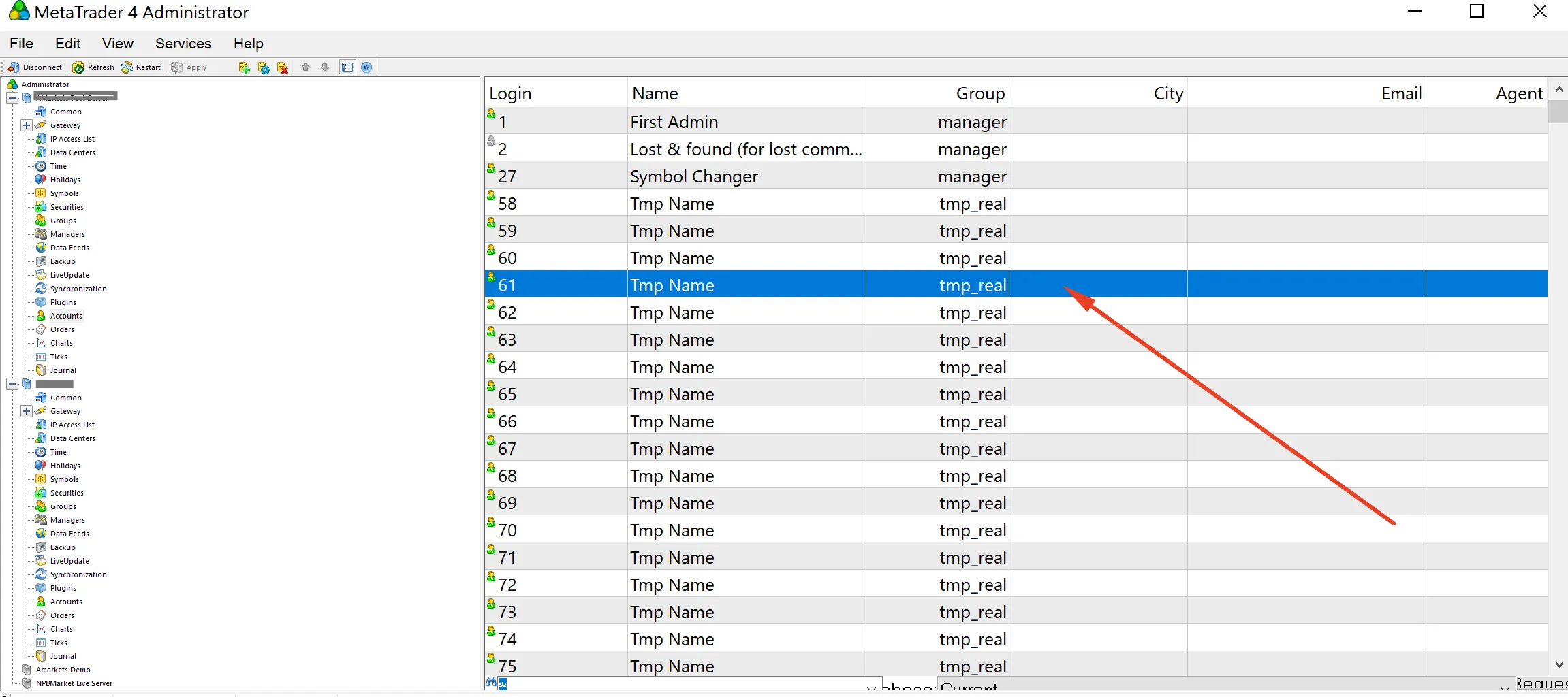
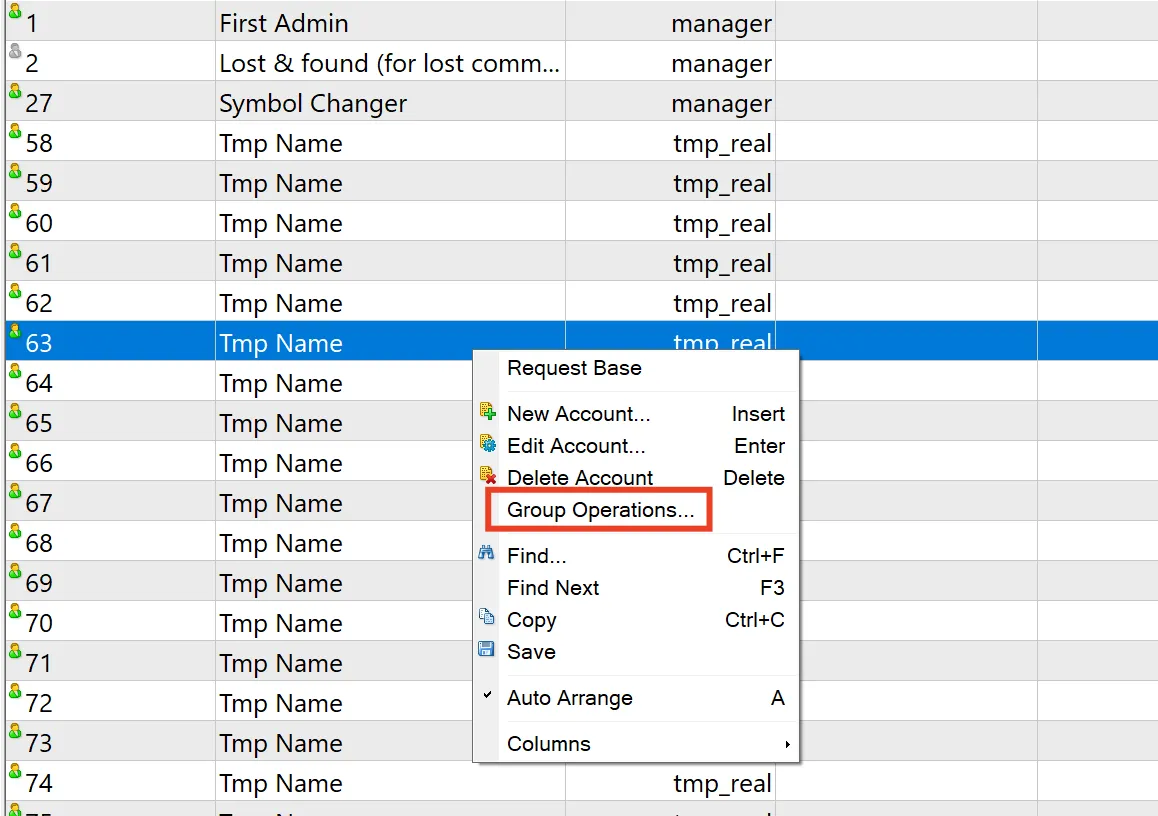
🛠 MT5: "Accountant (deposit/withdraw)" permission required.
🛠 MT4: Admin permission required.
MT4
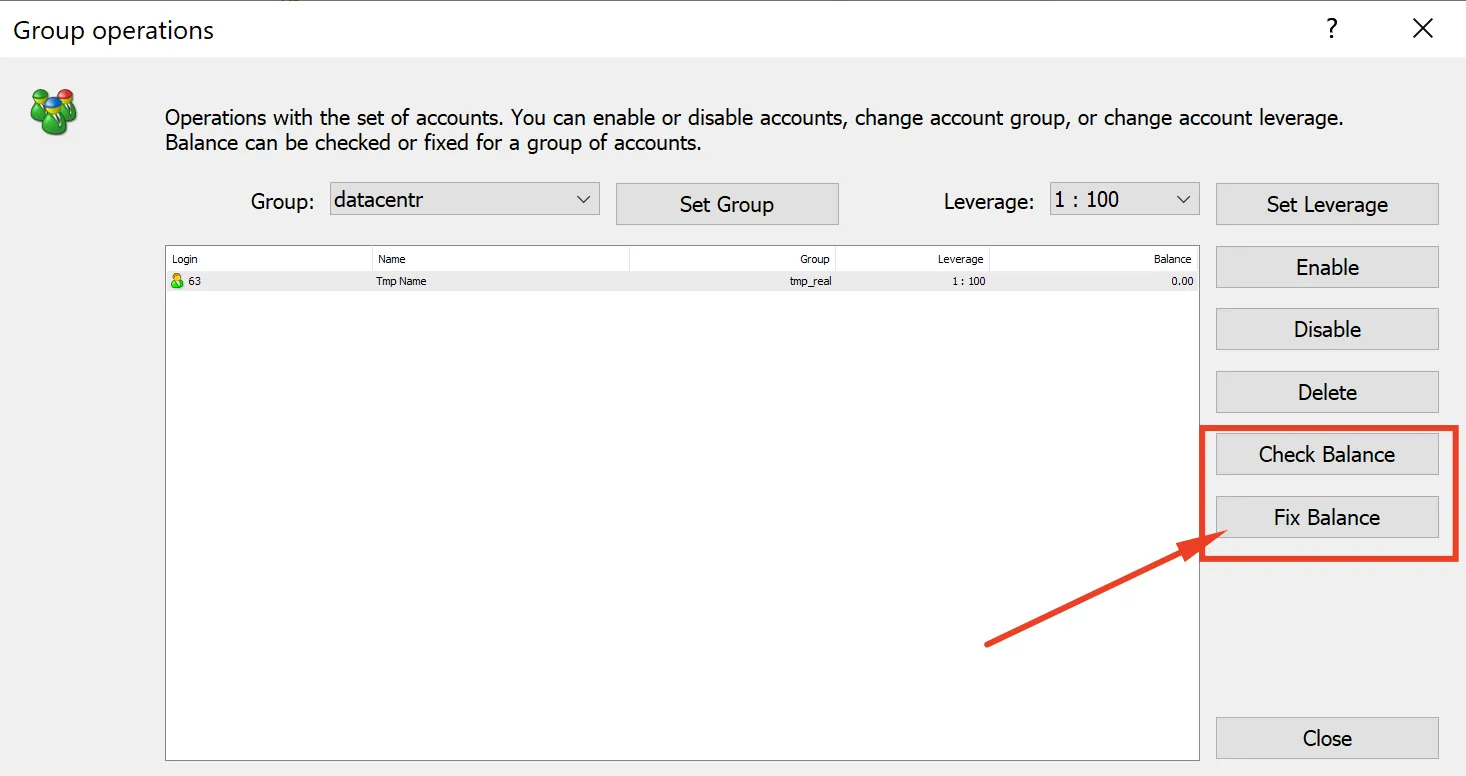
MT5
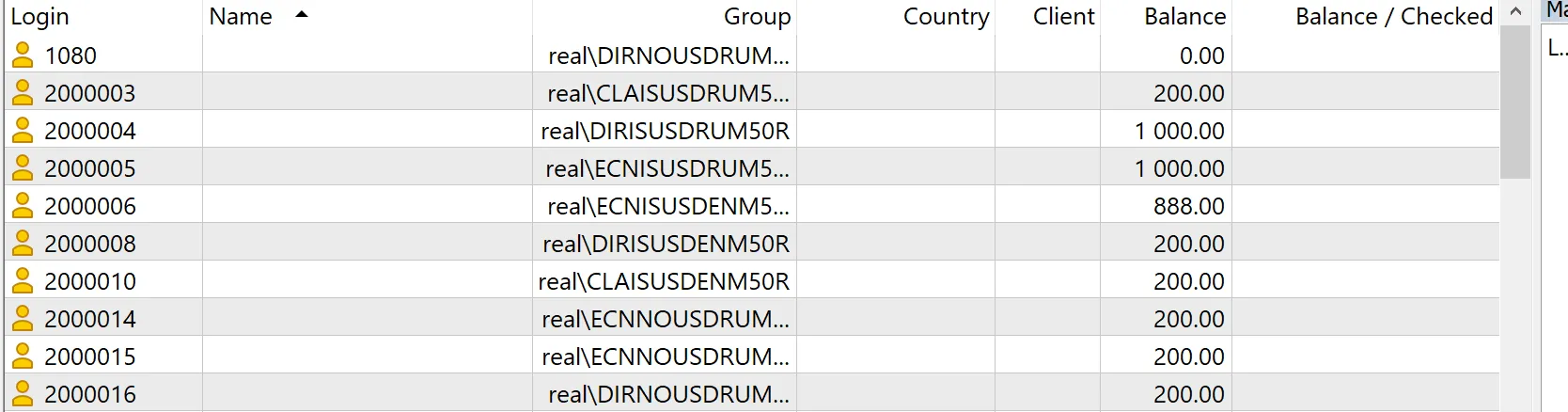
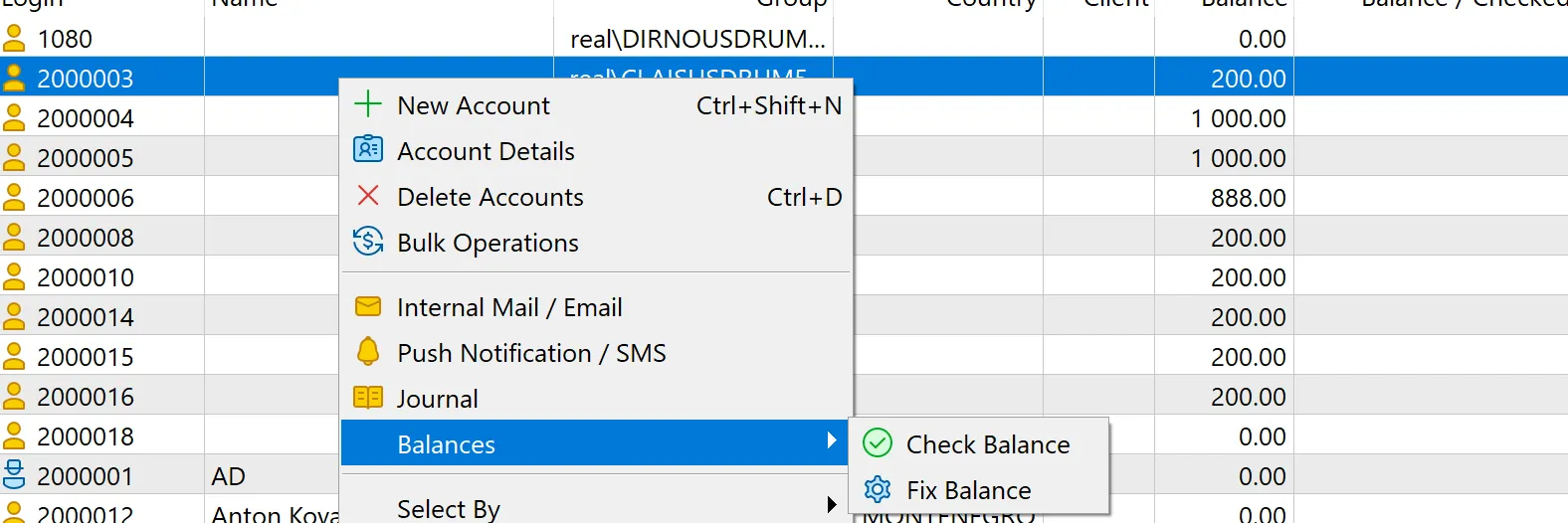
Trigger Logic
📌 The trigger runs a weekly check on account balances at the specified day and time.
📌 It verifies balances by comparing all executed orders of the account.
📌 If an incorrect balance is detected:
- ✅ If automation is ON, the balance is automatically corrected.
- 🚨 If automation is OFF, a notification is generated for dealer approval.
The system utilizes MetaQuotes' built-in features to correct the balance.